 The Task Fields page is made up of the following sections. Select the section names below for more information:
Task Fields

 Client Tasks Client Tasks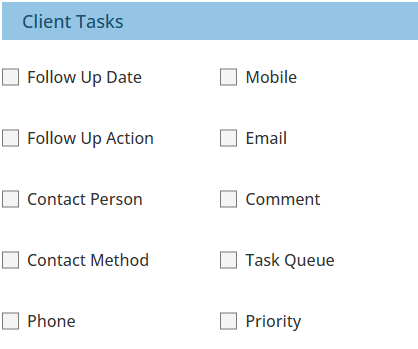 |  Policy Tasks Policy Tasks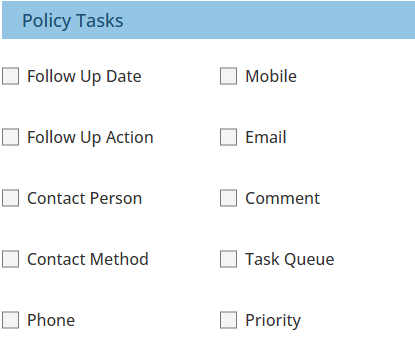 |  Claim Tasks Claim Tasks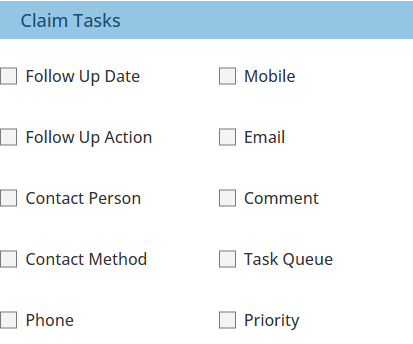 |
All fields on this page are applied to the fields found on a task. Selecting a field here makes it a mandatory field - meaning that when creating or editing a task, INSIGHT will stop you from progressing to the next page or saving your changes until you enter information in the field.
Client Tasks | Return to Top |
|
|
Policy Tasks | Return to Top |
|
|
Claim Tasks | Return to Top |
|
|
Was this article helpful?
That’s Great!
Thank you for your feedback
Sorry! We couldn't be helpful
Thank you for your feedback
Feedback sent
We appreciate your effort and will try to fix the article