 The Compliance page is made up of the following sections. Select the section names below for more information:
Compliance




Include Commission on Invoice | Return to Top |
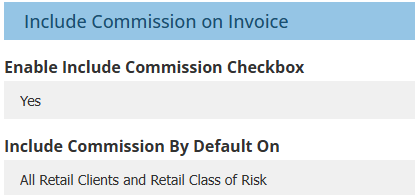
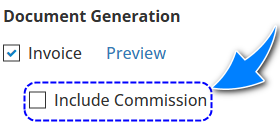
 | Enable Include Commission Checkbox - this displays or hides the Include Commission checkbox on the Invoice Generation page of the transaction wizard.
|
 | Include Commission By Default On - Works together with the above setting. There are 2 options for this field:
|

Statement of Advice | Return to Top |
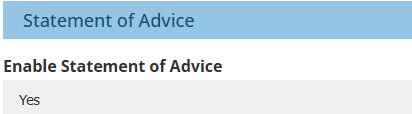
Used to enable or disable the Statement of Advice section on the Compliance page of the Transaction Wizard. | 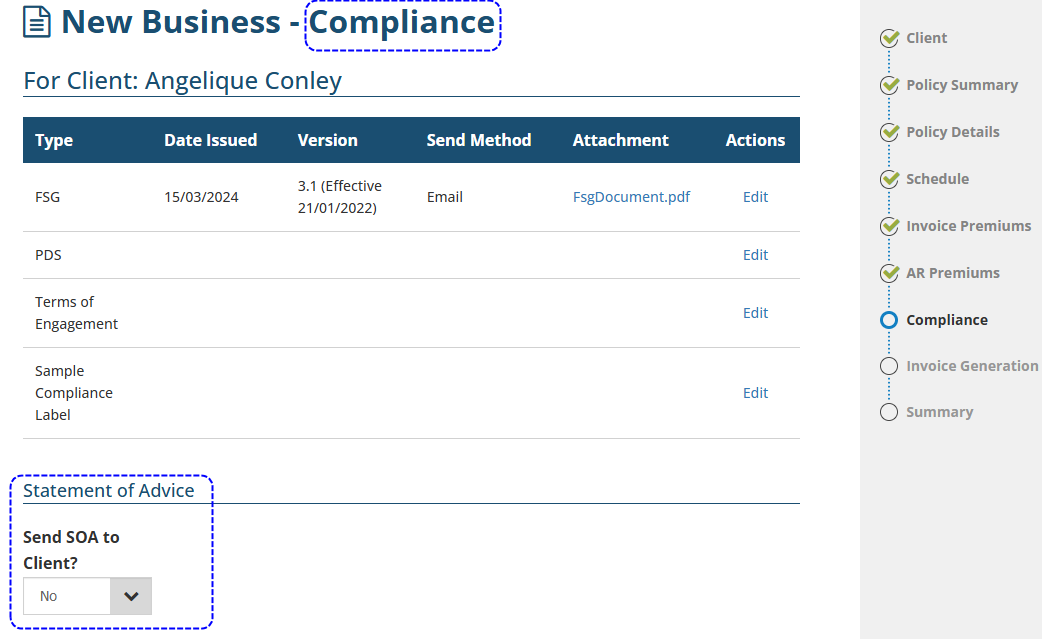 |
Financial Services Guide | Return to Top |
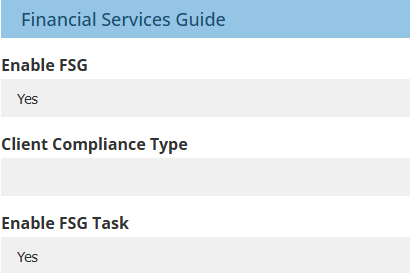
 | Enable FSG - when Yes is selected, the following are activated:
|
 | Client Compliance Type - the options are based on the Client Compliance Types setting in Configuration. Your selection determines if the table in the transaction wizard's Compliance page includes the FSG line. |
 | Enable FSG Task - this refers to the FSG Task section when creating a new client. When Yes is chosen, the Classification page of the wizard includes the FSG Task section and prompts you to assign the FSG Client Task to a Task Queue as a reminder to send the attached FSG document. |
Product Disclosure Statement | Return to Top |
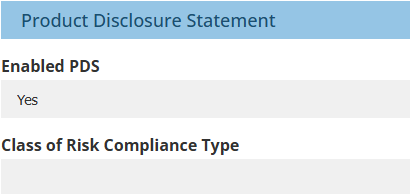
 | Enable PDS - when Yes is selected, the following are activated:
|
 | Class of Risk Compliance Type - the options are based on the Class of Risk Compliance Types setting in Configuration. Your selection determines if the table in the transaction wizard's Compliance page includes the PDS line. |
Target Market Determination | Return to Top |
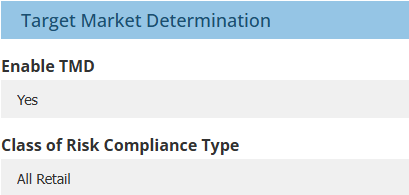
 | Enable TMD - when Yes is selected, the following are activated:
|
 | Class of Risk Compliance Type - the options are based on the Class of Risk Compliance Types setting in Configuration. Your selection determines if the table in the transaction wizard's Compliance page includes the TMD line. |
Custom Client Compliance 1 & 2 | Return to Top |
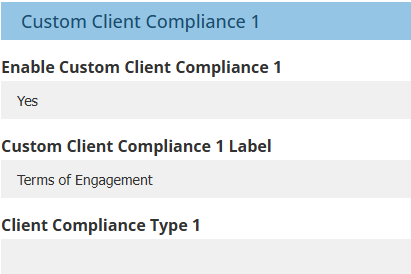
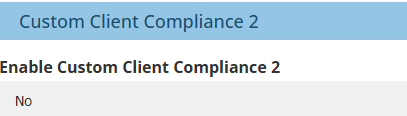
 | Enable Custom Client Compliance 1 & 2 - When Yes is selected, the following are activated:
|
 | Custom Client Compliance 1 & 2 Label - use this field to enter the name of the Custom Client Compliance 1 or 2 document. The name entered here is used when the compliance record is added, in filters and in Audit logs. |
 | Client Compliance Type 1 & 2 - the options are based on the Client Compliance Types setting in Configuration. Your selection determines if the table in the transaction wizard's Compliance page includes the Custom Client Compliance 1 or 2 document line. |
Custom Policy Transaction Compliance 1 & 2 | Return to Top |
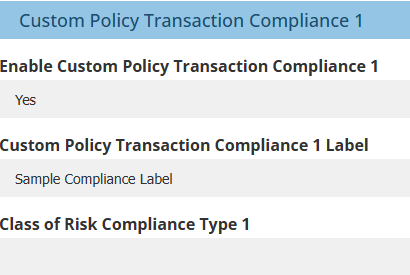
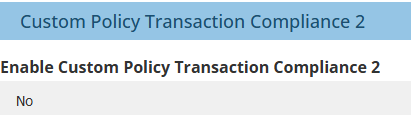
 | Enable Custom Policy Transaction Compliance 1 & 2 - When Yes is selected, the following are activated:
|
 | Custom Policy Transaction Compliance 1 & 2 Label - use this field to enter the name of the Custom Policy Transaction Compliance 1 or 2 document. The name entered here is used when the compliance record is added, in filters and in Audit logs. |
 | Class of Risk Compliance Type 1 & 2 - the options are based on the Class of Risk Compliance Types setting in Configuration. Your selection determines if the table in the transaction wizard's Compliance page includes the Custom Policy Transaction Compliance 1 or 2 document line. |
Mandatory Fields | Return to Top |
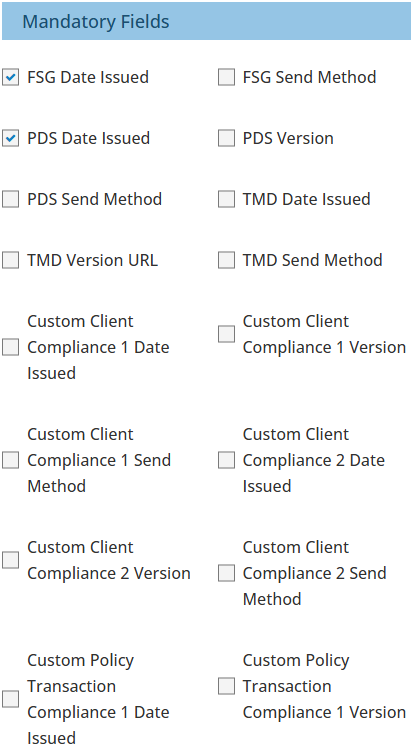
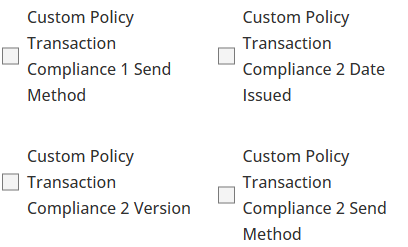
| The checkboxes in this section correspond with fields found when adding or editing the enabled compliance records in the transaction wizard's Compliance page. Selecting a checkbox here makes that field mandatory in the transaction wizard. 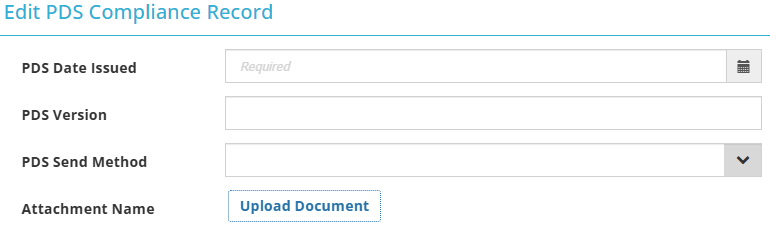 | 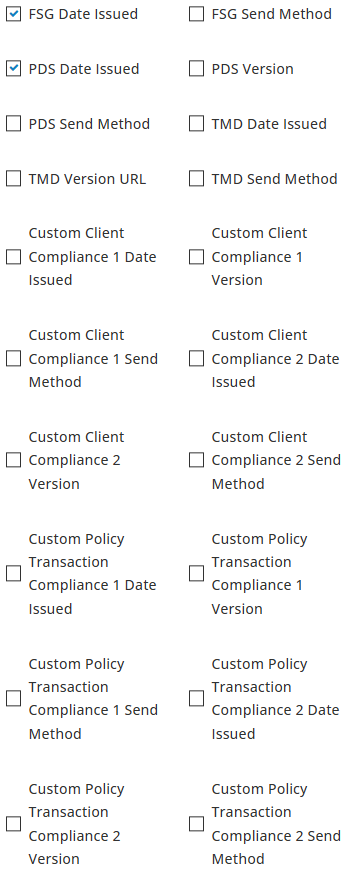 |
Was this article helpful?
That’s Great!
Thank you for your feedback
Sorry! We couldn't be helpful
Thank you for your feedback
Feedback sent
We appreciate your effort and will try to fix the article