 The Profile page is made up of the following sections. Select the section names below for more information:
Profile

 Business Information Business Information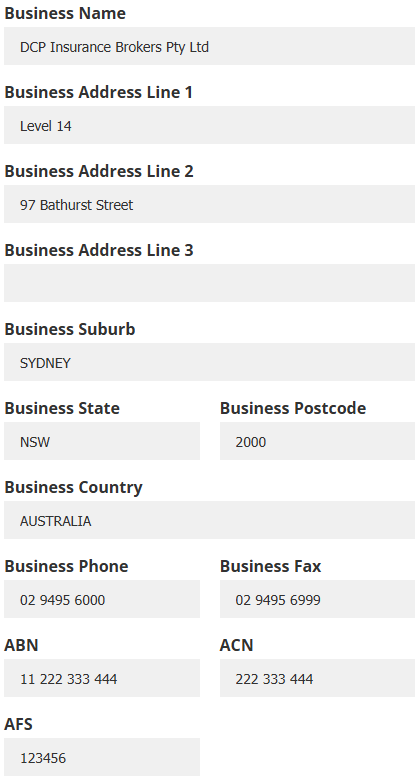 | 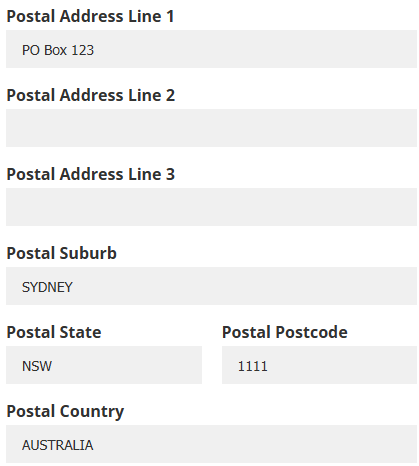  Client Comment Client Comment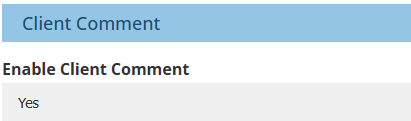 |  Logo Logo  Comments Comments   Security Security 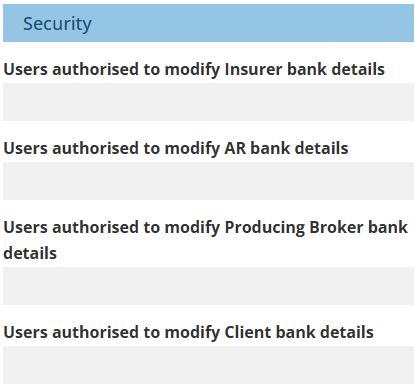 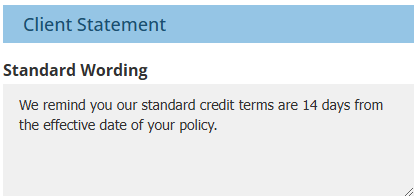 |

Business Information | Return to Top |
 | These fields create the headers of remittance reports such as receipts, insurer payments, authorised reps payments, client refunds and drawings. |
 | For New Zealand ledgers:
|
 | Aside from fields with postal details, all other fields can be used as doc variable merge fields when creating documents. |
Client Comment | Return to Top |
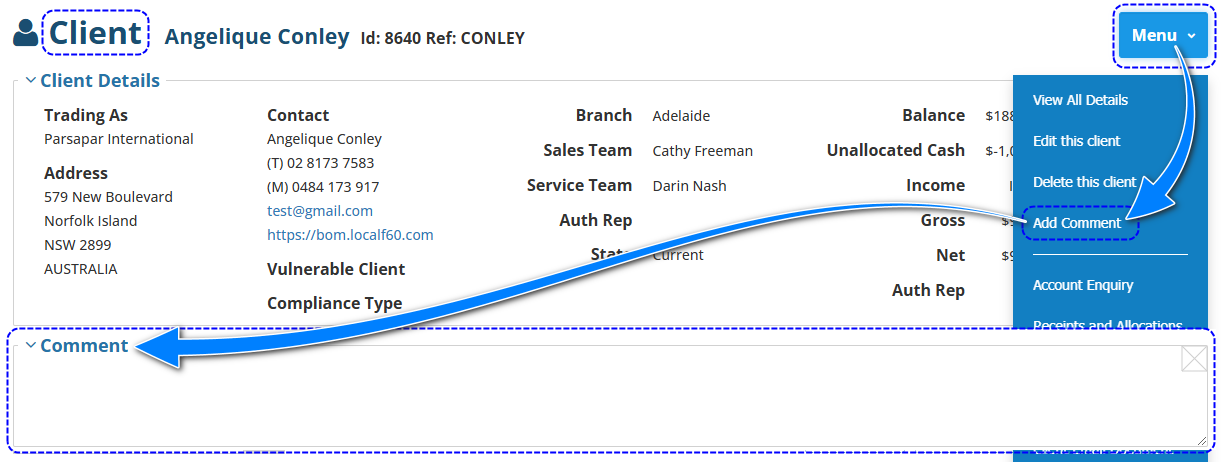
Used to enable or disable the Add Comment option in the Client Menu.
Logo | Return to Top |
 | The picture format can be in JPEG or PNG and its dimension requirements are 22 mm (height) by 50 mm (width). |
 | The picture must be the correct size and have a non-transparent background as the image cannot be edited or resized in INSIGHT. |
 | When a document requires a logo, INSIGHT will first use the logo saved under the Sales Team. If none is found then INSIGHT will continue to search for a logo in Authorised Representative, then Branch and then Ledger. This is the order of how INSIGHT locates a logo for documents and reports. |
Comments | Return to Top |
Allows the Administrator to record notes for internal use only, as the notes do not appear in other areas of INSIGHT.
Security | Return to Top |
 | This section is only visible to and editable by System Administrators. |
 | By default, all Administrators can modify bank details. However, when these settings are applied, only usernames that have been entered here will be allowed to modify bank details. |
 | These settings only apply to Administrators as Standard users' permission to modify bank details is found in Processing Permission Groups. |
Client Statement | Return to Top |
 | Text entered here is inserted in Client Statements. The text can only be edited in Ledger settings and cannot be edited in or removed from the Client Statement itself. |
 | This field allows up to 1000 characters. |
Was this article helpful?
That’s Great!
Thank you for your feedback
Sorry! We couldn't be helpful
Thank you for your feedback
Feedback sent
We appreciate your effort and will try to fix the article