Introduction
The Claims report is used to capture claims with the following Report Types:
 | Outstanding Claims |  | Insurer Not Advised |
 | Claims Reopened But Not Closed |  | Assessor Not Advised |
 | Claims Closed |  | Assessor Not Approved |
 | Claims Finalised But Not Closed |  | All Claims |
Once you've chosen a report type, you can organise the report by choosing a Date Type:
|
|
From there, make your selections for the date range, filters, grouping & sorting and export report as, then select Run Report.
Date Type
The following Date Types are based on the information captured when creating a claim:
| 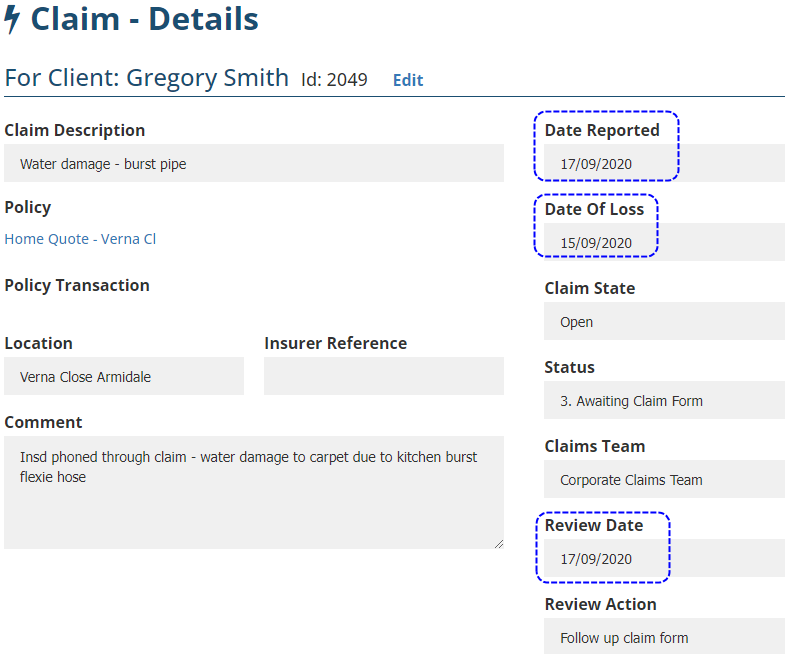 |
The following Date Types are based on when the Status is changed to or from Finalised:
| 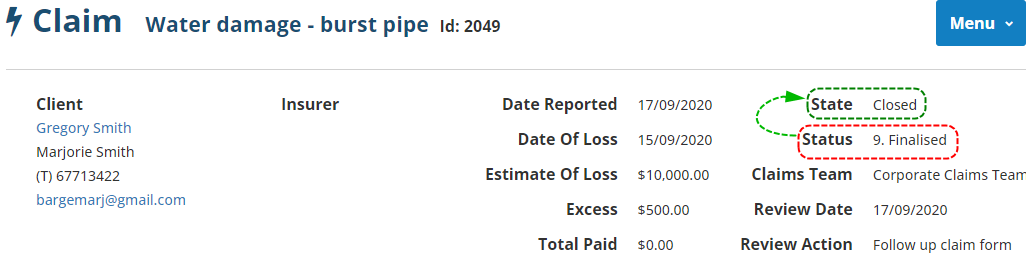 |
Select All Records
When Select All Records is set to No, you'll get access to more filters such as:
| 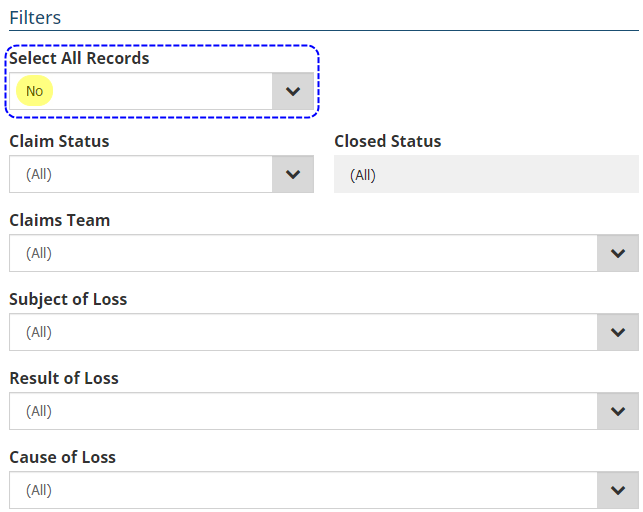 |
Was this article helpful?
That’s Great!
Thank you for your feedback
Sorry! We couldn't be helpful
Thank you for your feedback
Feedback sent
We appreciate your effort and will try to fix the article