Click to go to:
Introduction
You can use the Claims Report to generate various claims reports using the Parameters, Date Selection, Filters and Grouping & Sorting filters.
 | Select Reports, then Claims |
 | From the Parameters, choose the Report Type. |
 | From the Date Selection, choose the Date Type, From Date and To Date. |
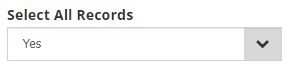
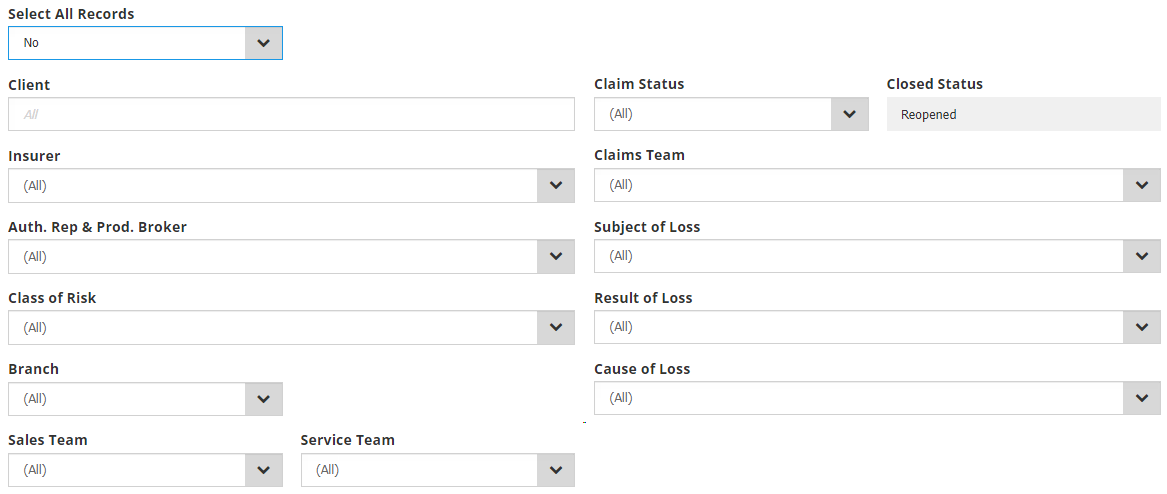
 | From the Filters, choose either Yes or No to Select All Records. When No is selected, you'll be presented with more filters to further customise the report. |
 | From the Grouping & Sorting, choose the Group By and Sort By. |
 | Choose how you wish to export the report - PDF or Excel. |
 | Select Run Report |
Report Type
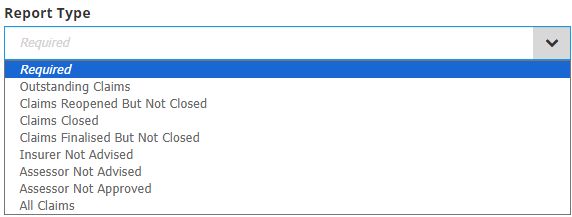
 | Outstanding Claims - All claims that have not been finalised within a specified date range. |
 | Claims Reopened But Not Closed - All claims that have been reopened and the current status is not closed. |
 | Claims Closed - All claims that have been closed. |
 | Claims Finalised But Not Closed - All claims within the search criteria that have been finalised but not closed. |
 | Insurer Not Advised - All claims that have been lodged but the insurer has not been advised. |
 | Assessor Not Advised - All claims that have been lodged but the assessor has not been advised. |
 | Assessor Not Approved - All claims that have been assessed but an assessor has not approved for claim as yet. |
 | All Claims - All claims that have been reported. |
Date Selection
Choosing from Date Type, From Date and To Date, narrows down the selection of data generated in your report.
The options for Date Type are:
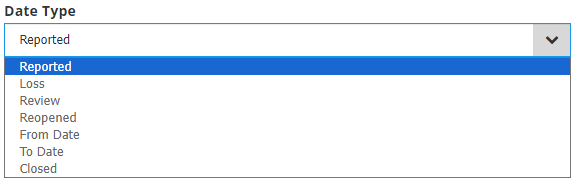
You can select from the calendar or manually enter the desired date range in From Date and To Date.
Filters
Selecting Yes to Select All Records captures all records in the report.
Selecting No to Select All Records gives you the opportunity to use the following filters to select specific criteria for your report:
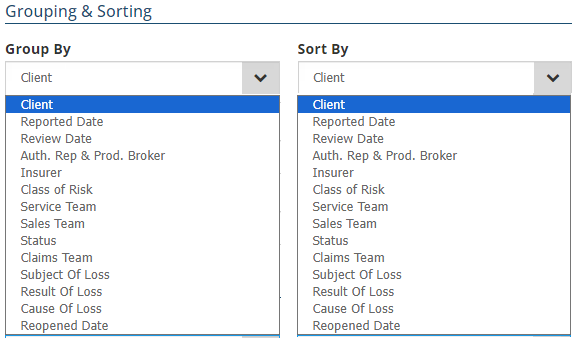
Grouping & Sorting
Your choices here organises the information displayed in the report by grouping and sorting the data:
Was this article helpful?
That’s Great!
Thank you for your feedback
Sorry! We couldn't be helpful
Thank you for your feedback
Feedback sent
We appreciate your effort and will try to fix the article