Click to go to:
Introduction
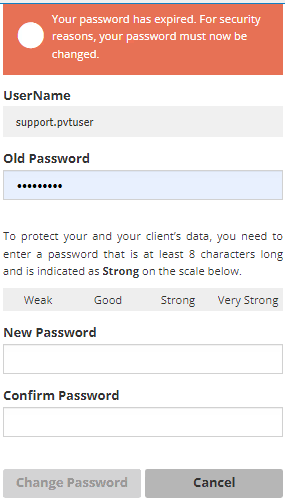
Depending on your ledger setup, passwords may expire by a defined period. If that is the case & your password has expired, you'll be directed to this page when you attempt to log in.
*For your convenience, your old password will automatically be entered.
What to do?
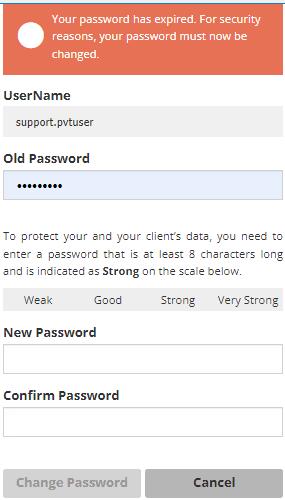
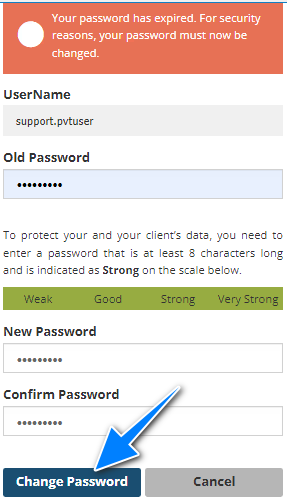
- Once you select Login with an expired password, you'll be asked to create a new password. Enter the new password in the New Password & Confirm Password field - they must match and meet the Password Rules requirements.
- When the passwords match and are accepted, select Change Password.
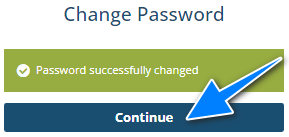
- The next page confirms the password change, then select Continue - this will take you to INSIGHT.
Was this article helpful?
That’s Great!
Thank you for your feedback
Sorry! We couldn't be helpful
Thank you for your feedback
Feedback sent
We appreciate your effort and will try to fix the article