Click to go to:
Introduction
When a quote is accepted, you can update INSIGHT by converting the Quotation transaction to a New Business transaction. Using the New Business wizard allows you to confirm or update the details and generate the invoice document.
Manual & Sunrise Quotations
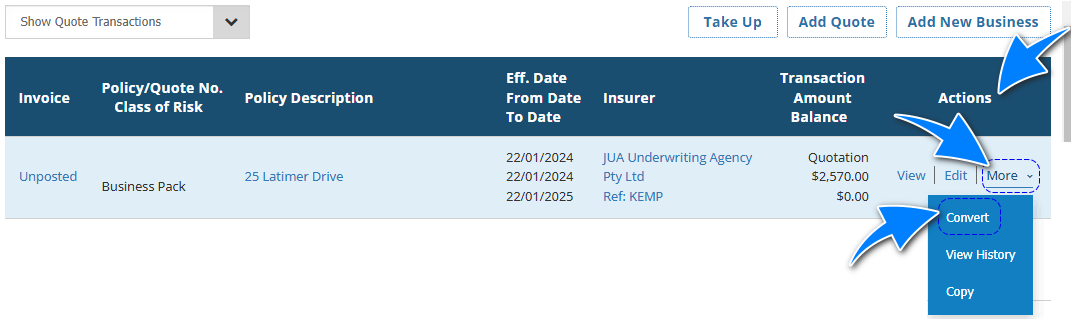
Once you've located the quotation, go to Actions and select Convert. This will auto-copy the details entered in INSIGHT from the Quotation to the New Business transaction. From there, check that all details are up to date with the accepted quote and generate the invoice.
For a Sunrise quotation, the New Business wizard will have a Sunrise page where you can go into Sunrise to confirm all details are correct.
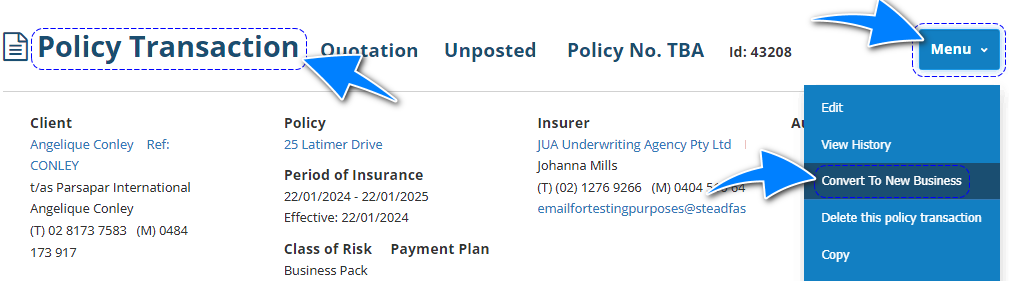
Alternatively, when viewing the quote through the Policy Transaction, select Menu and Convert To New Business to access the New Business wizard.
SCTP Quotation
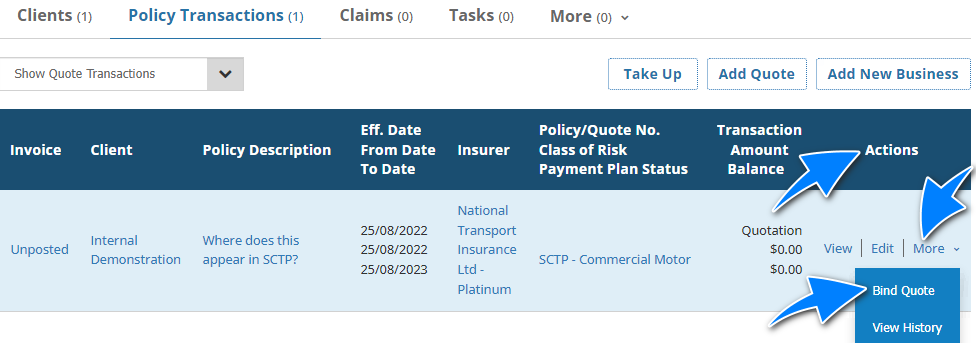
Once you've located the quotation, Actions will display Bind Quote instead of Convert. From there, you'll go straight into SCTP where you can bind the quote.
 REFERENCES:

What is a Quotation?
Policy Processing & Workflow Management
Was this article helpful?
That’s Great!
Thank you for your feedback
Sorry! We couldn't be helpful
Thank you for your feedback
Feedback sent
We appreciate your effort and will try to fix the article