Navigating your Home Page
The Steadfast Apps Home Dashboard is designed to provide users with a clean, organized, and intuitive landing page experience. It features a range of quick links, widgets, and call-to-actions that help users access key information and tools efficiently.
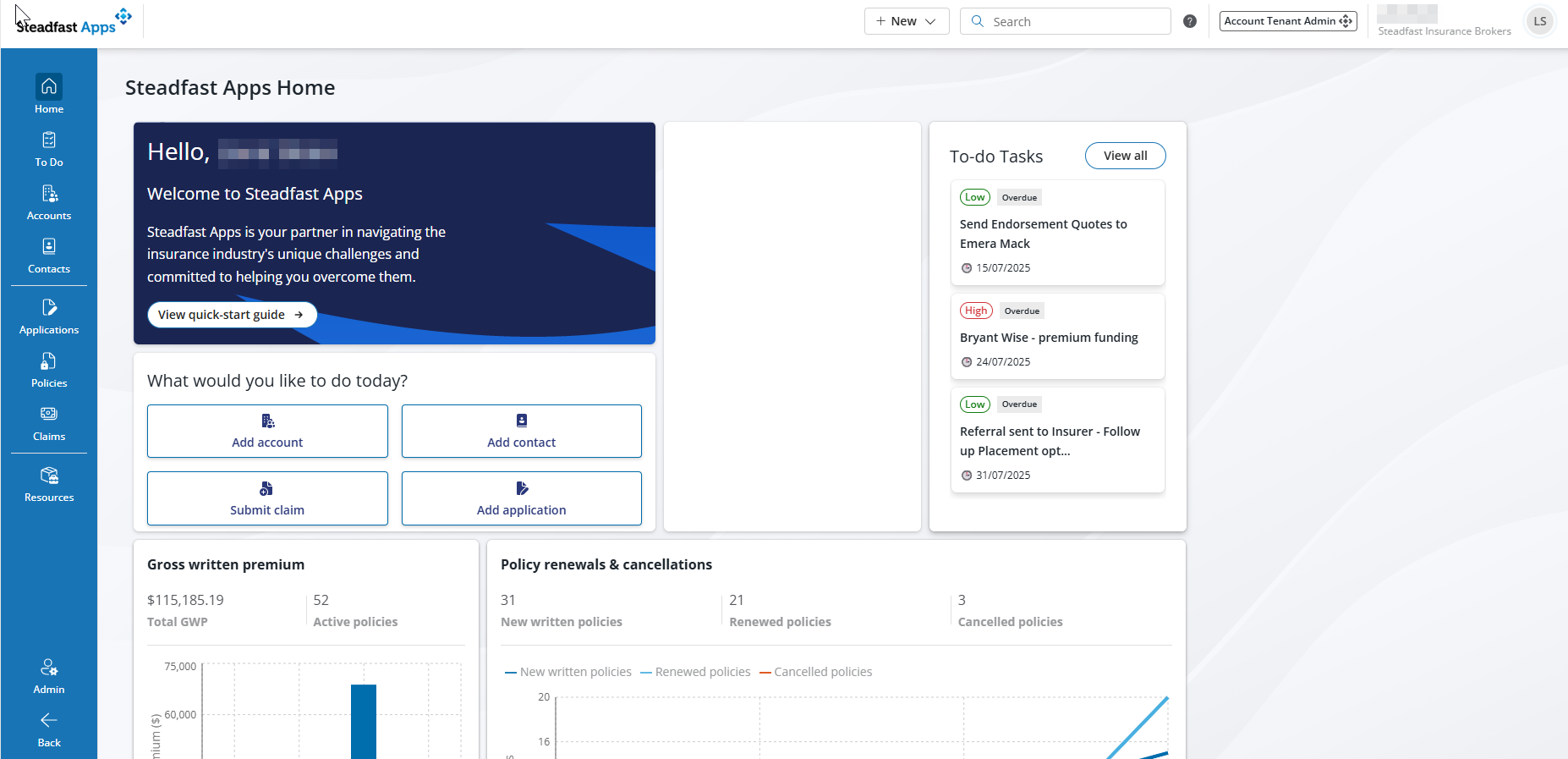
Header Menu
Looking at the top of your dashboard, the header menu provides fast access to essential actions:
Create Accounts, Contacts, or To-Do Tasks with just a click
Use the Search Bar to quickly locate client details, applications, or policies
You can also see at a glance your account type

Main Menu (Left Sidebar)
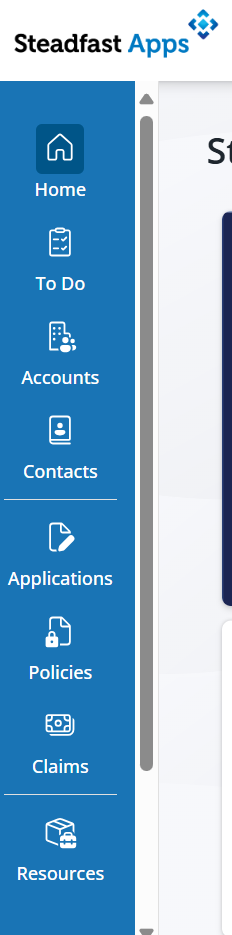 | The left-hand menu is your central access point to all major areas of the platform. From here, brokers can navigate to overview pages for:
|
Quick Start Guide (Top Left Widget)
Instant Access to Help & Learning
This widget links directly to Knowledge Studios, a curated library of articles and guides designed to support users at every stage of their journey in Steadfast Apps.
Whether you're onboarding or troubleshooting, brokers can find answers fast- reducing downtime and boosting confidence in using the platform.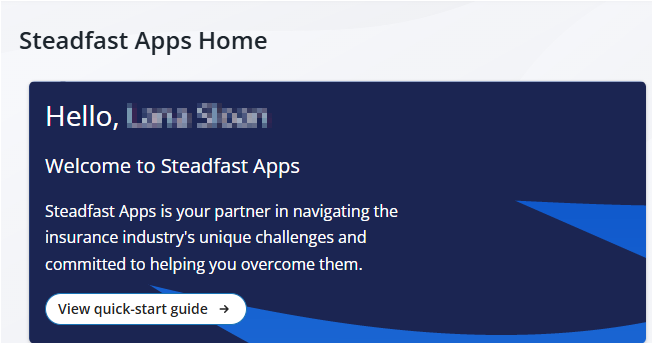
Action Widgets (Central Area)
Do More, Faster
These widgets are designed for quick execution of common tasks:
- Add an Account - use this to add your clients!
- Add a Contact - contacts can be added to multiple clients.
- Submit a Claim - your shortcut to creating claim.
- Add a New Application - use this to collect risk information and record quotes.
Initiate key actions with just a click, streamlining client servicing and reducing time spent on manual data entry.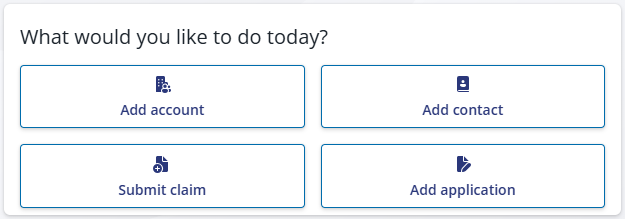
To-Dos (Right Panel)
Stay Focused & On Track
This panel displays your tasks in date order, ensuring that upcoming and overdue items are clearly visible. If a task is missed, it remains in view as a reminder.
You can manage your workload proactively, ensuring no client follow-ups or critical actions are overlooked.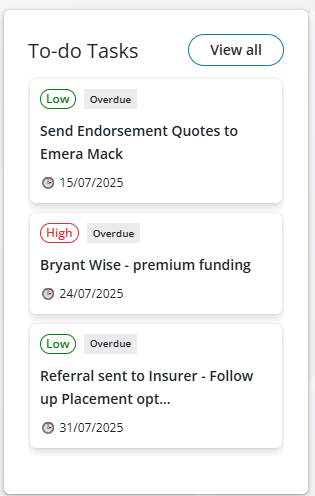
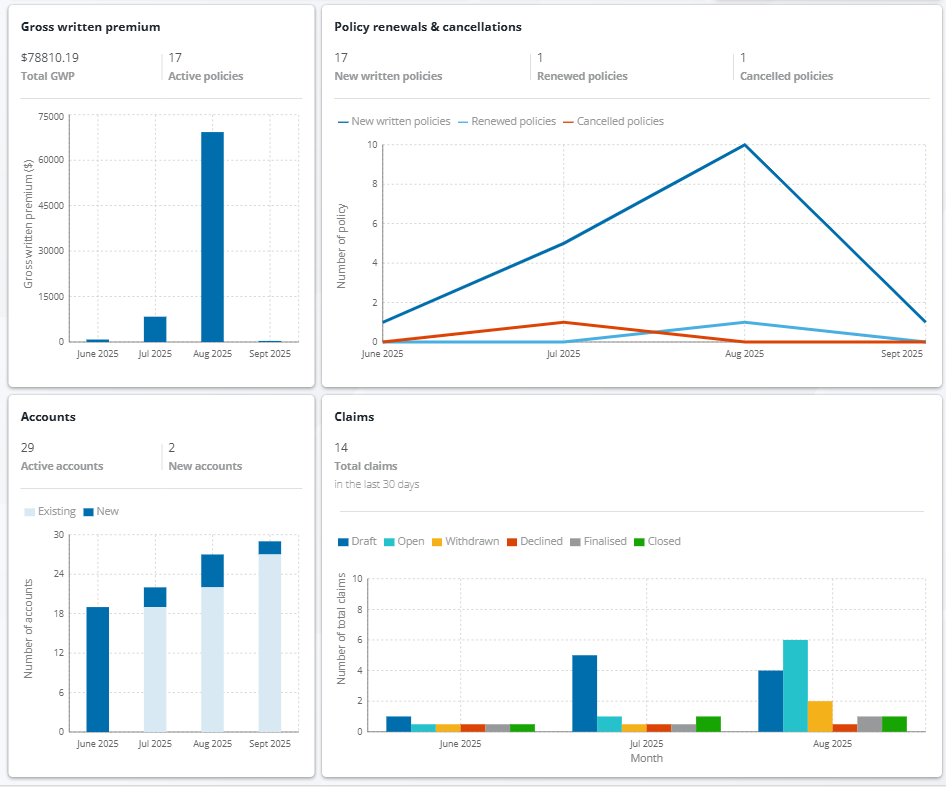
Live Data Snapshots (Bottom Widgets)
Real-Time Business Intelligence
These four widgets provide high-level summaries of:
- Gross Written Premium (GWP)
- Policy Renewals or Cancellations
- Claims
- Accounts
Gain instant visibility into performance metrics, helping them monitor trends, identify opportunities, and make data-driven decisions.
Something got you stumped?
Our team is here to help! We know change can be tricky, but we've got your back.

Contact our support team here and well get back to you shortly
Was this article helpful?
That’s Great!
Thank you for your feedback
Sorry! We couldn't be helpful
Thank you for your feedback
Feedback sent
We appreciate your effort and will try to fix the article