Logging In to Steadfast Apps
Welcome to the Broker Learning Path! In this first step, we’ll walk you through how to log in to Steadfast Apps so you can start using the tools designed to support your brokerage success.
You should receive an email from your Admin welcoming you to the platform — we’re genuinely excited to have you on board.

Your account has already been set up, so you can log in and start exploring using the link provided in that email.
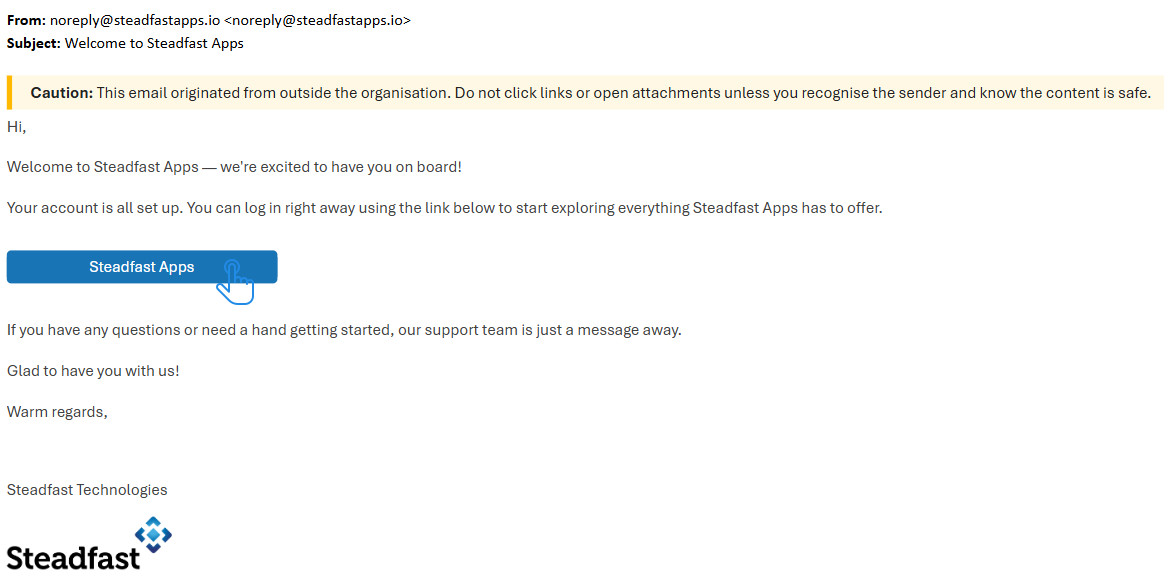
Step-by-Step Instructions to logging in via your web-browser
1. Go to the Steadfast Apps Portal
Use the link in your welcome email or open your browser and visit steadfastapps.io (or your brokerage’s custom login page if applicable).
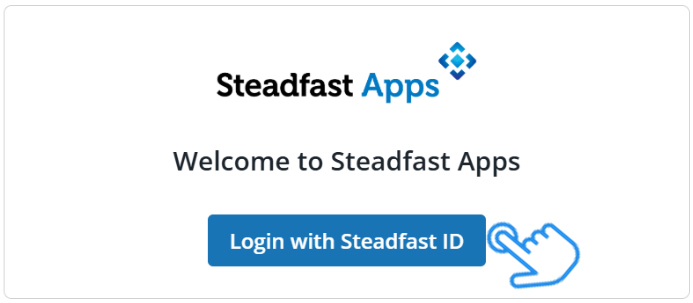
2. Click on “Login with Steadfast ID”
3.Enter Your username and select "Next"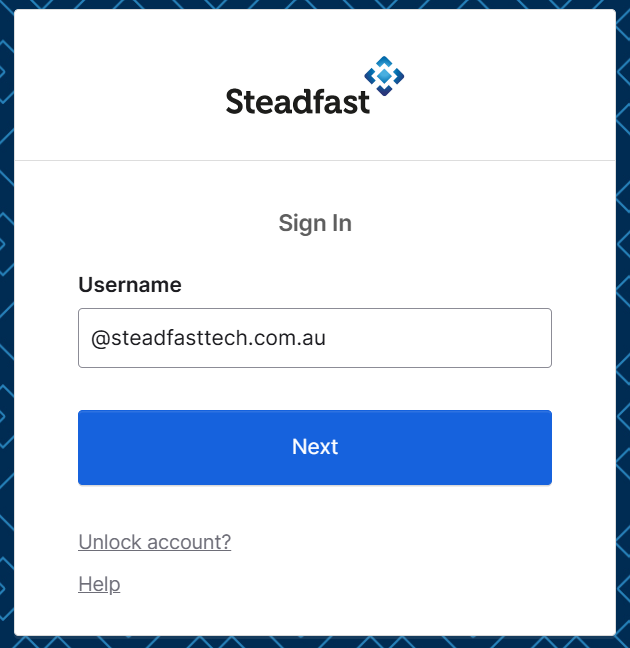
4. Enter your password
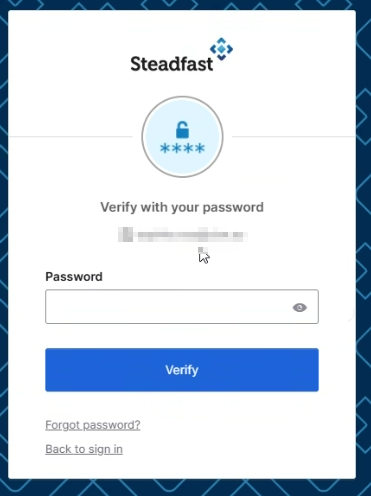
5. Click Verify
Once you've entered your credentials, you'll be redirected to view the Brokers associated with your account. 
HOT TIP: “My Brokers” is a Steadfast Apps term that refers to the grouping together of your clients.6. Click the action icon to access a specific Broker. This allows you to view and manage data within that environment. 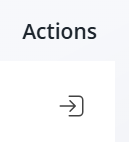
7. You will be directed to your Steadfast Apps Home Page Dashboard
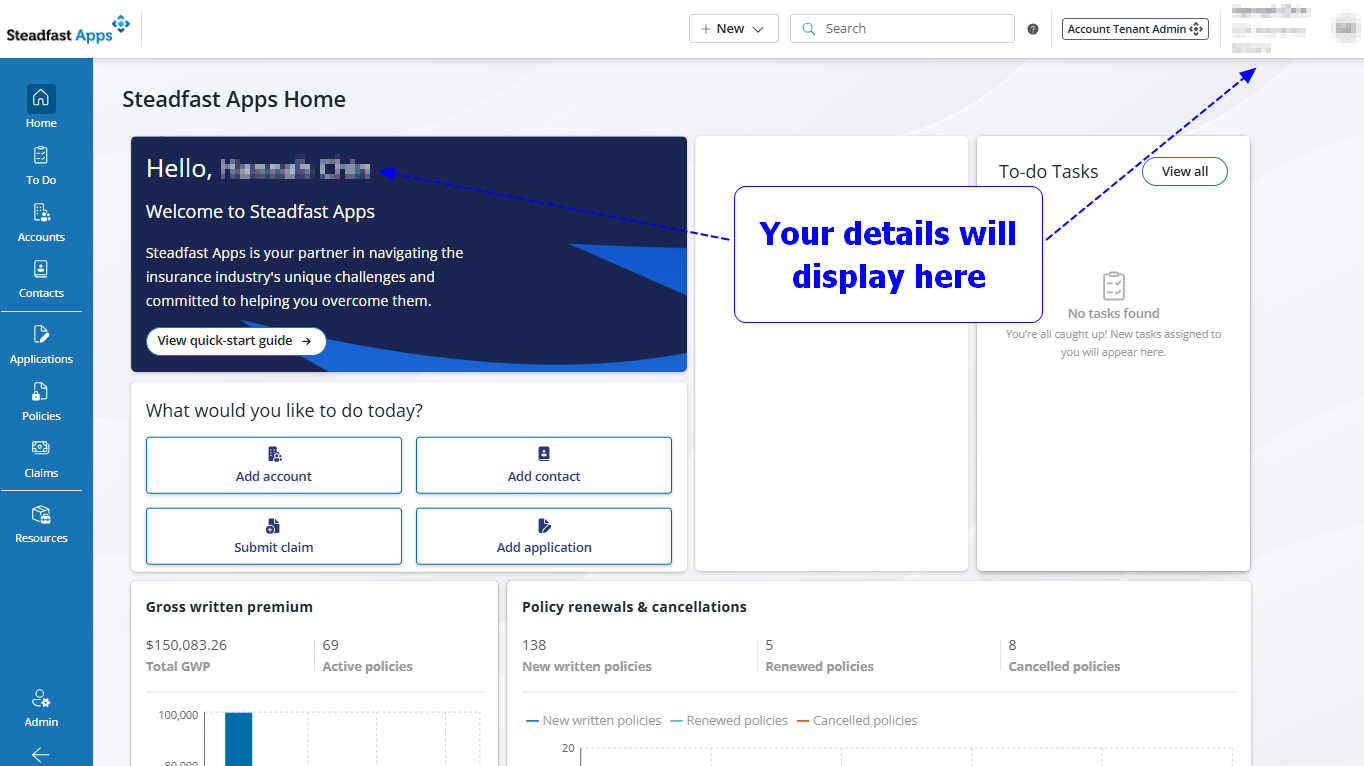

You have successful logged into Steadfast Apps; the next step is to create your first account. Let’s get started!
Something got you stumped?
Our team is here to help! We know change can be tricky, but we've got your back.

Contact our support team here and well get back to you shortly
Was this article helpful?
That’s Great!
Thank you for your feedback
Sorry! We couldn't be helpful
Thank you for your feedback
Feedback sent
We appreciate your effort and will try to fix the article