Click to go to:
Processing Manual Instalment Receipts
Introduction
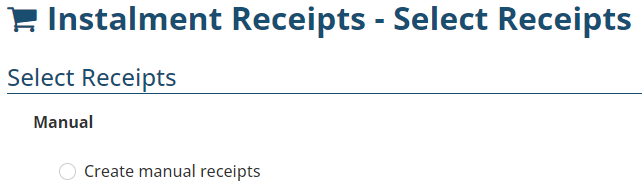 Income earned from Manual instalment policies is processed in the Instalment Receipts wizard. Due to its manual nature, manual instalment receipts are also processed manually. INSIGHT presents the instalment payments due for the specified period and these are reconciled against the instalment income you have received from the insurer. Generally done once a month, manual instalment receipts are reconciled in INSIGHT one insurer at a time.
Processing Manual Instalment Receipts
1. Select Receipts, then Instalment Receipts.
2. Under Manual, select Create manual receipts, then Next.
3. Choose an insurer from the Insurer dropdown field.
4. Use the From Date and To Date fields to capture the date range of instalment receipts you've received in the trust account.
5. Select Search to update the list of receipts displayed on the page's bottom.
6. Use the Total Amount to be Receipted field to record the total instalment receipts you've received in the trust account for that period.
7. Reconcile what you've received in the trust account with what's in INSIGHT.
- Select the checkbox beside each receipt you reconcile to track the differences.
- The This Receipt field defaults to the due amount according to INSIGHT, however, you can edit this field to reflect what you have actually received in your trust account.
8. As you complete the list of receipts, you'll notice that the Difference field at the bottom right corner also updates to monitor discrepancies between your trust account and INSIGHT. Once the difference is $0.00, the wizard will allow you select Process Receipts.
9. Select Process Receipts, then Yes to the confirmation message.
10. Review the Payment Summary page - you can also download this page as a PDF for future reference.
11. Select Exit or Make Another Instalment Payment.
Was this article helpful?
That’s Great!
Thank you for your feedback
Sorry! We couldn't be helpful
Thank you for your feedback
Feedback sent
We appreciate your effort and will try to fix the article