Click to go to:
Client Notes - Multiple Clients
Client Statement - Single Client
Client Statement - Batch Client
Introduction
INSIGHT reports are grouped into different headings. The Client heading captures the following reports:
| Client Analysis By Area | Client Permission Groups |
| Client Analysis By Industry | Client Statement - Single Client |
| Client Master List | Client Statement - Batch Client |
| Client Notes - Multiple Clients | Mail Merge Extract |
| Client Notes - Single Client |
Client Analysis By Area
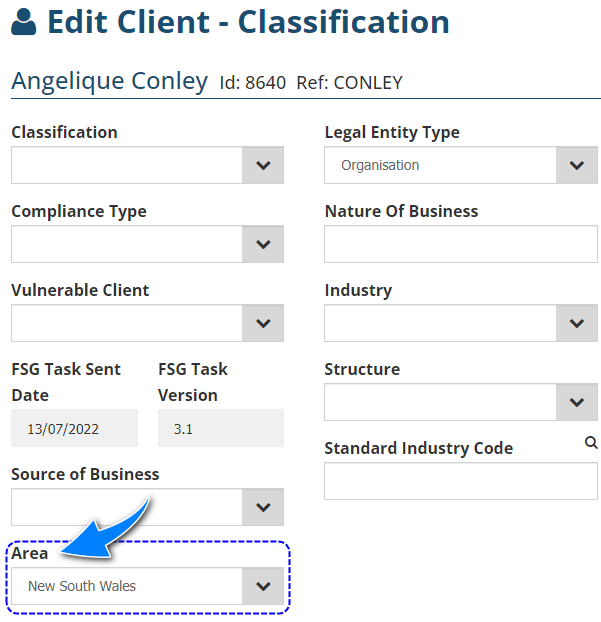
Each client profile has an Area field - information captured in this field is used to generate this report. The field's dropdown selections are determined by your Administrator. This report identifies the number of clients in an area and how many clients are not categorised by area. There are 2 styles:
|  |

Client Analysis By Industry
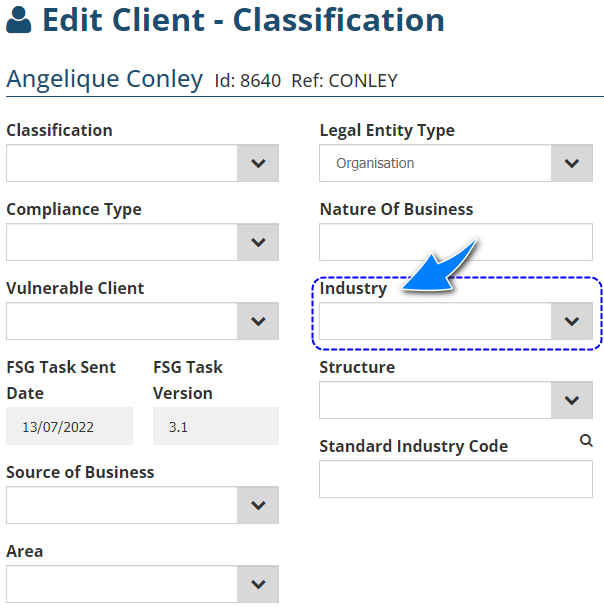
Each client profile has an Industry field - information captured in this field is used to generate this report. The field's dropdown selections are determined by your Administrator. This report identifies the number of clients in an industry and how many clients are not categorised by industry. There are 2 styles:
|  |

Client Master List
| This report provides a list of all or specific clients in the ledger and is available in Summary and Detail. Setting Select All Records to No provides access to more filters and allows you to drill down to specific categories. | 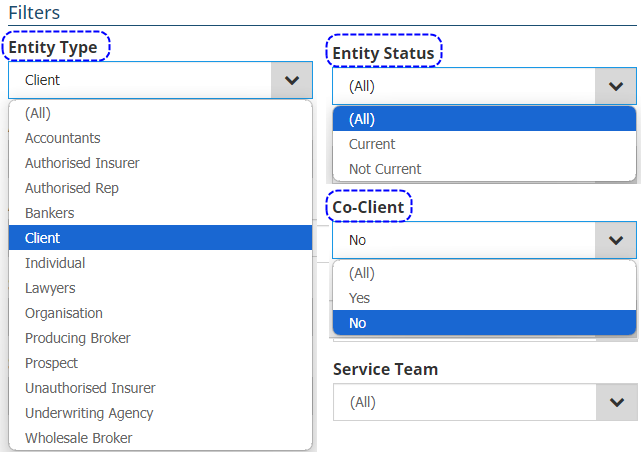 |
 | Summary - lists clients with their contact details and sales team/service team/AR/PB. |

 | Detail - list clients with their contact details, sales team/service team/AR/PB, number of policies and invoice total. |

Client Notes - Multiple Clients / Single Client
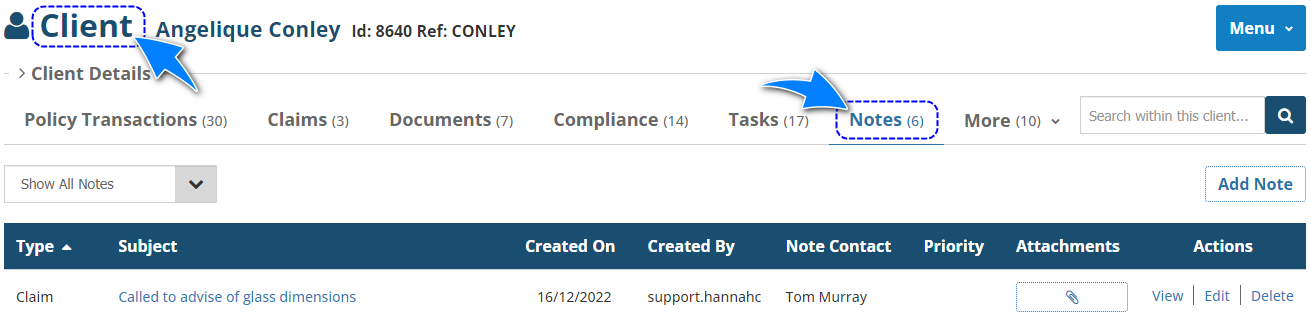
Each client has an area for client notes - this report extracts the client's notes from all clients, a selected group of clients or a single client.

Client Permission Groups
This report lists all clients or a selected group of clients and their Client Permission Groups.

Client Statement - Single Client
This report produces a statement with a client's outstanding invoices as of the chosen As At Date.
 | Parameters - allows you to customise the statement using the below.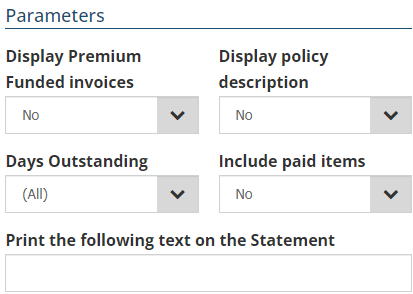 |
 | Background Funding - adds the chosen funder's details on the statement, giving your client the option to pay via funding.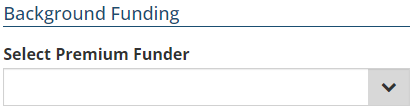 |
NOTE: When Email is chosen as the delivery method, the Send To field will display the email addresses it finds in the client profile. If the email address you want is not there, select Run Report to generate the email with the statement attached, then edit the recipient in the email itself.
Client Statement - Batch Client
This report produces a batch of client statements with outstanding invoices as of the chosen As At Date. Aside from the Parameters, there are also Age Band filters and the additional filters available from setting Select All Records as No.
 | Once the age bands, filters and parameters have been set, choose the Delivery method and select Next. |
 | Based on your selections on the previous page, INSIGHT will generate a list of invoices you you to choose from. |
 | You can select them individually or select the checkbox in the blue header to auto-select all checkboxes. |
 | When ready, select Run Report - the following outcome depends on your delivery choice:
|
Mail Merge Extract
This report lists all clients or your selected group of clients with their address and contact details in an Excel file with the intention of being used with Microsoft Word's Mail Merge wizard.
Was this article helpful?
That’s Great!
Thank you for your feedback
Sorry! We couldn't be helpful
Thank you for your feedback
Feedback sent
We appreciate your effort and will try to fix the article