Creating an Application
Applications are a core part of Steadfast Apps, designed to help you collect detailed risk information from your clients. Using pre-configured, product-specific forms, you’ll gather the data needed to present to insurers and efficiently arrange quotes in a quote proposal document for your clients.
Quick Tip: Core Products in Steadfast Apps
Steadfast Apps comes pre-configured with a suite of core insurance products, making application setup fast and familiar.

These forms mirror SCTP’s data collection and, while not universal across all insurers, reflect common proposal formats, helping users transition smoothly.

Available Core Products Include:
- Home & Contents
- Landlord
- Strata (Commercial & Domestic)
- Personal Motor
- Commercial Motor
- Public & Products Liability
- Professional Indemnity
- Business Package

These smart forms ensure consistent data capture and streamline quoting with insurers.
Ways to Create an Account
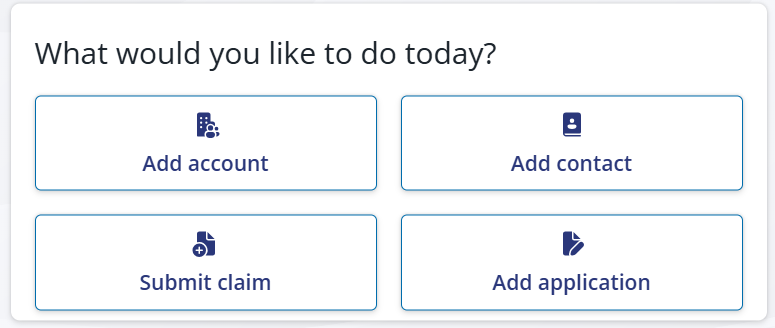
Home Page Widget
From your dashboard, use the “Add Application” option in the widget. This is a quick way to get started right from your home screen.
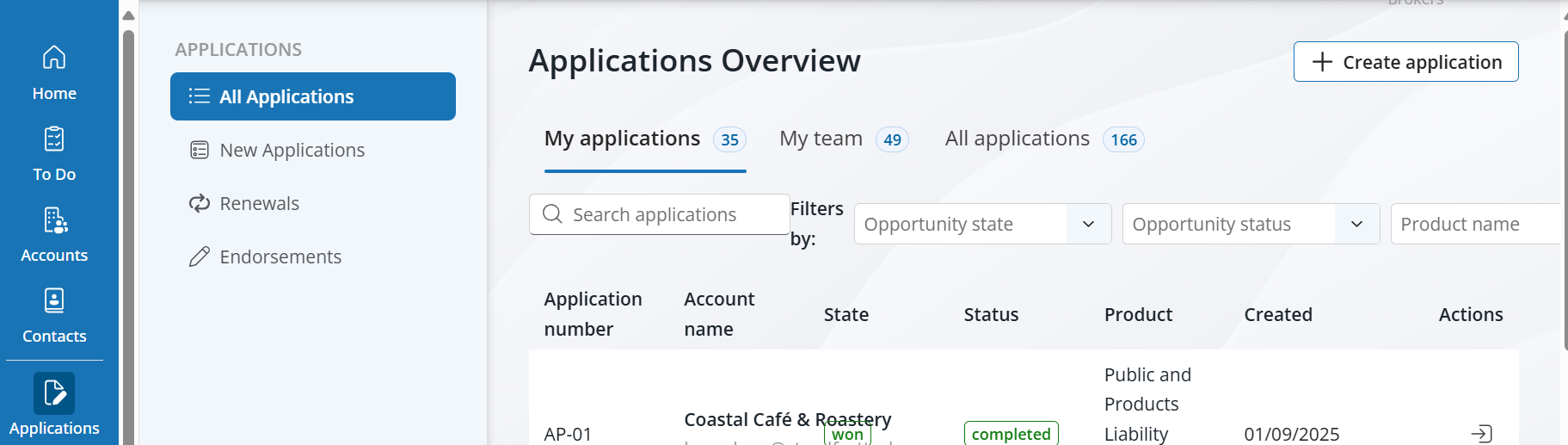
Application Overview Page
Navigate to Applications in the left-hand menu.
Once you're on the Applications Overview page, click the “+ Create Application” button at the top right to begin.
Applications are essential for collecting risk information from your clients. Steadfast Apps uses pre-configured, product-specific forms to ensure consistent and comprehensive data capture - making it easier to present accurate information to insurers and arrange quotes.
After clicking to create an application, users are prompted to select the relevant product form based on the type of risk they’re insuring. The questions within the form will vary depending on the product selected. | 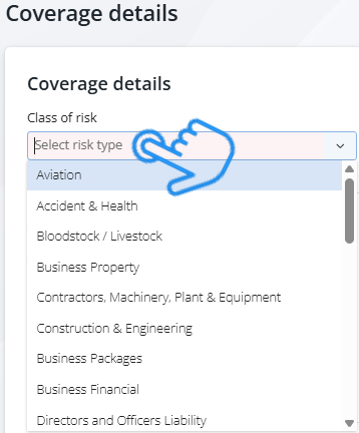 |
Example: Public & Products Liability Application Form
When using the Public & Products Liability form, you’ll be prompted to collect detailed risk data across the following sections:
Business Activity, Insured Details, Claims Experience, Type of Work, Turnover, Staff, Hire Equipment and/or Staff, Designated Contracts, Imported Goods, Exported Goods, Hazardous Activities and
Limits of Liability.
These fields ensure comprehensive risk profiling and help insurers assess the exposure accurately.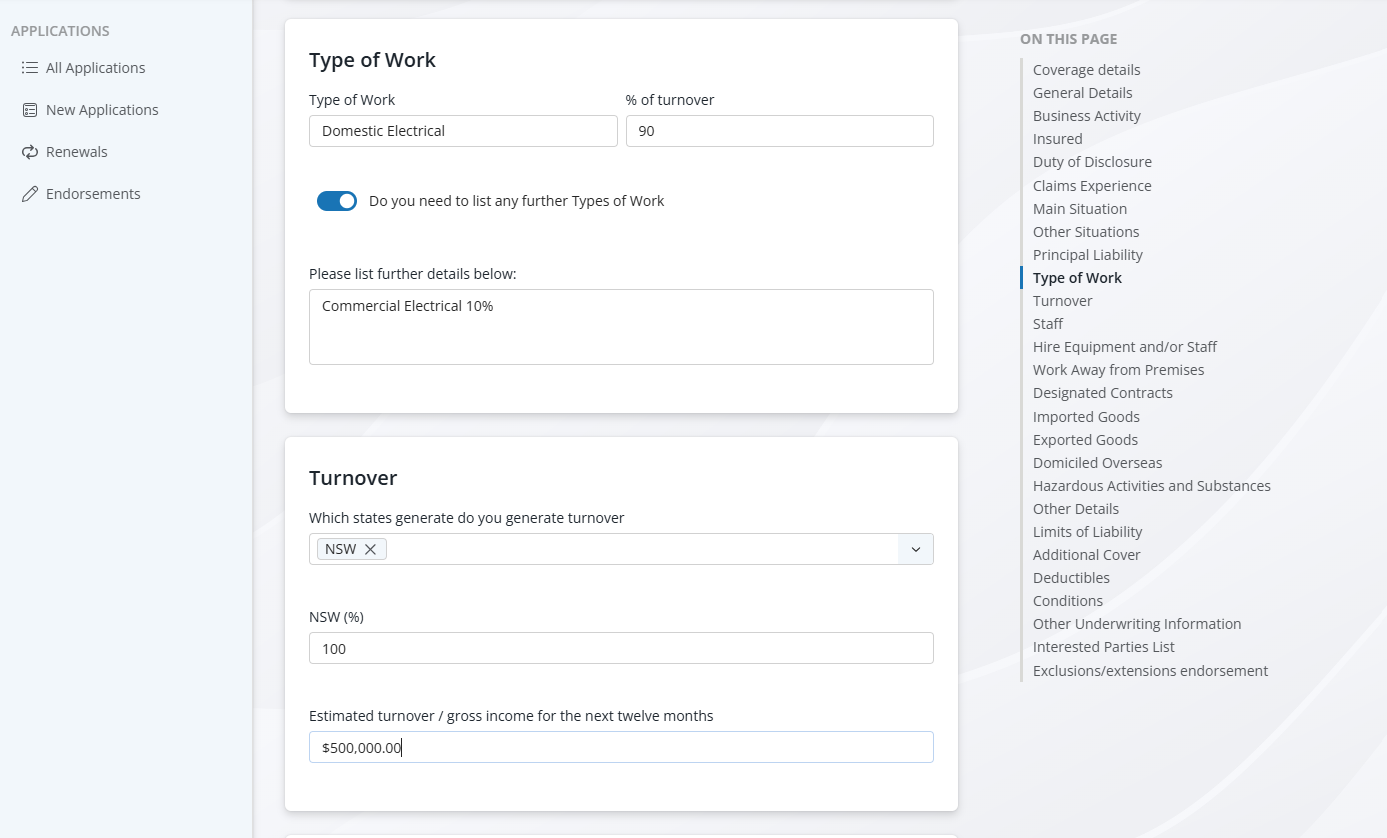
Need Help? Click the Details button to view step by step instructions.
- Select the Application Product and Click "Start Application"
For this step-by-step guide, we’ll walk through collecting risk data for a Sparkies Electrical Public Liability application.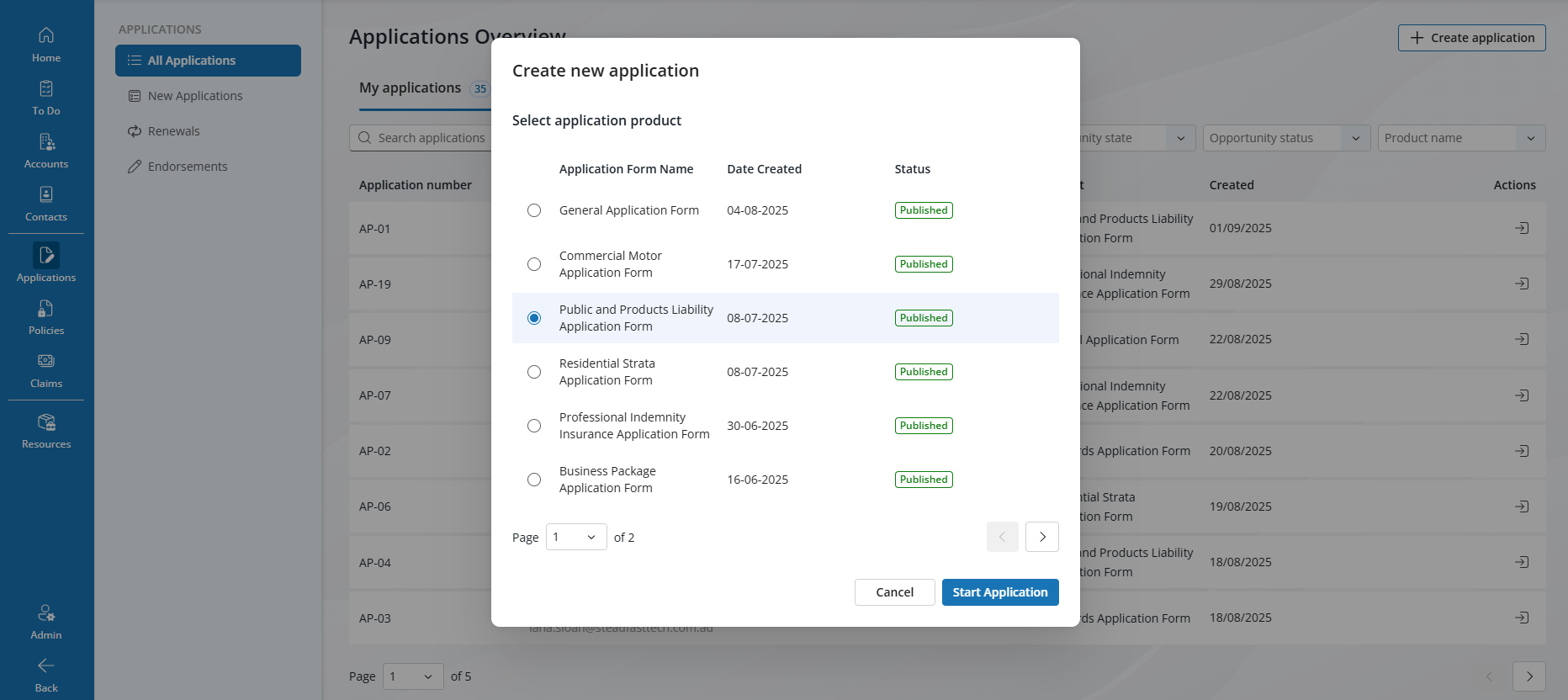
- Add the Account and the Contact, alternatively you can create a New Contact or a New Account
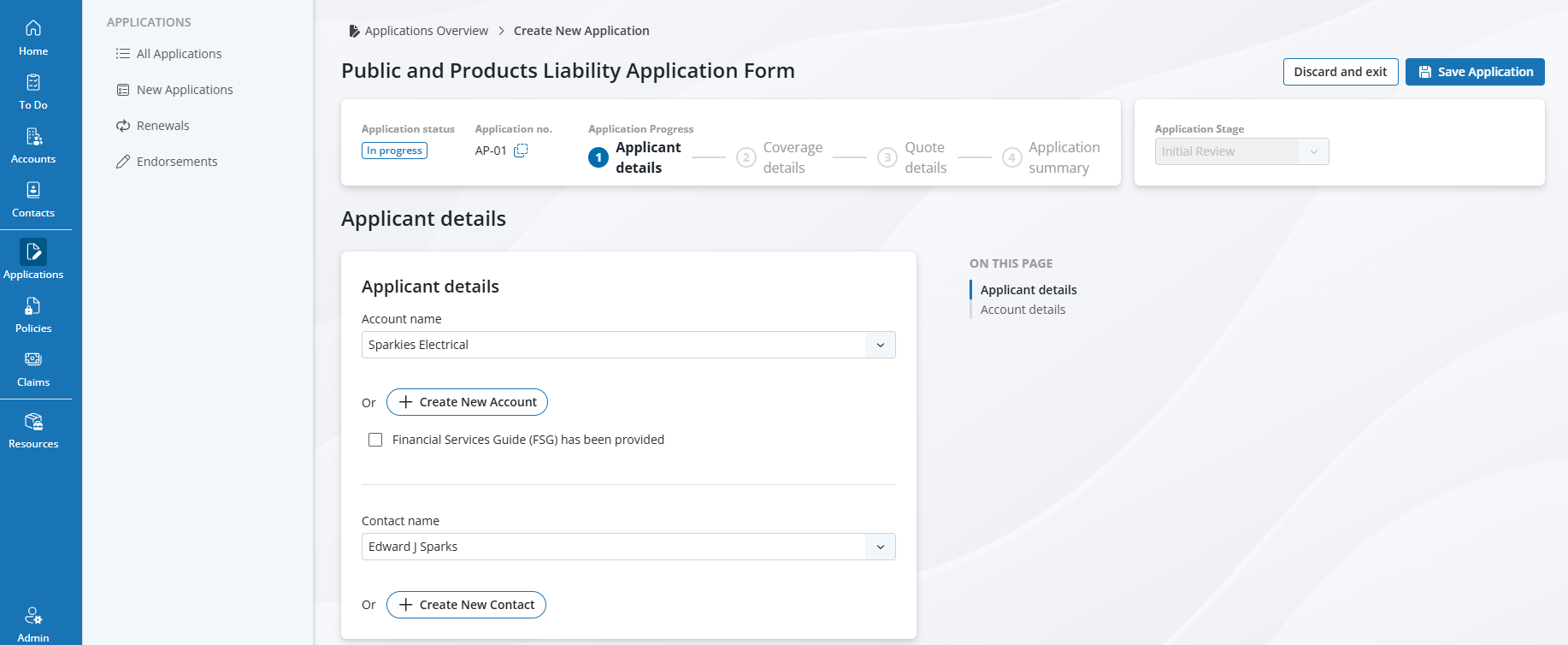
- If the account is pre-existing, Steadfast Apps will automatically populate previously submitted details - including Business Information, Contacts, and Optional Fields.
Once all details are complete, Click Continue to Coverage Details
- This is where the product-specific questions live. You’ll be prompted to enter key coverage information such as:
- Class of Risk
- Policy Term Period (Note: Start dates must be in the future)
- Policy Manager Assignment
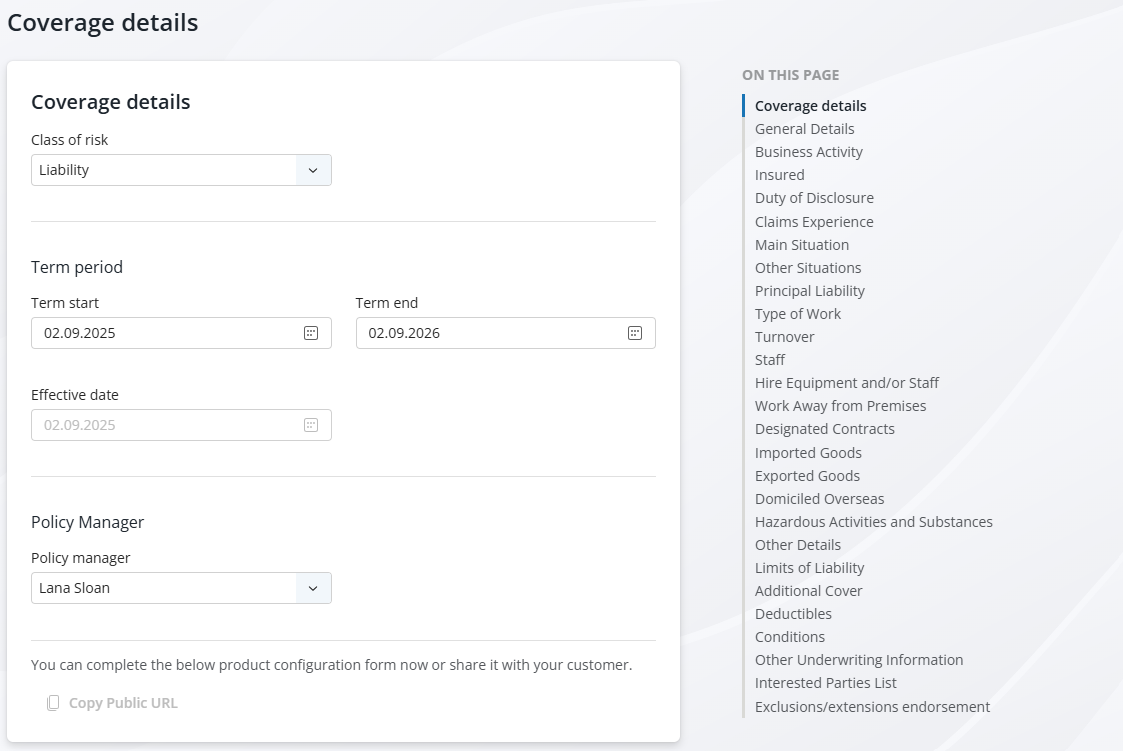
Once you've entered coverage details, you'll need to complete all mandatory fields before you can proceed to add quotes.
If any required fields are missed, you won’t be able to continue - but you can save the application and return to it later.
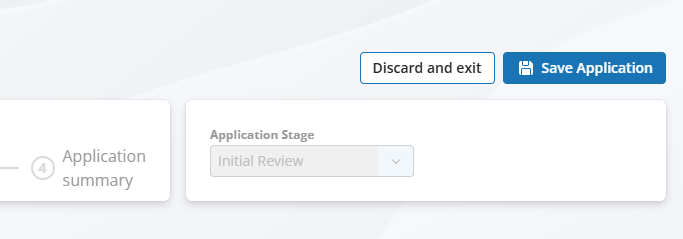
Once all required fields are completed, you have two options:
Update the saved application to keep working on it later
Or click “Continue to Quote Details” to begin entering quotes on offer

This marks the final step in completing your application. From here, you’ll move into the quoting process - where you can add, select, and present options to your client.

Quick Data with Smart Fields
Smart Fields are dynamic data fields used in digital forms, platforms, or systems that automatically adapt based on user input or predefined logic. Unlike static fields, Smart Fields can:
- Auto-populate with relevant data from other sources
- Change visibility or behavior depending on conditions
- Validate input in real-time to reduce errors
- Streamline workflows by reducing manual entry
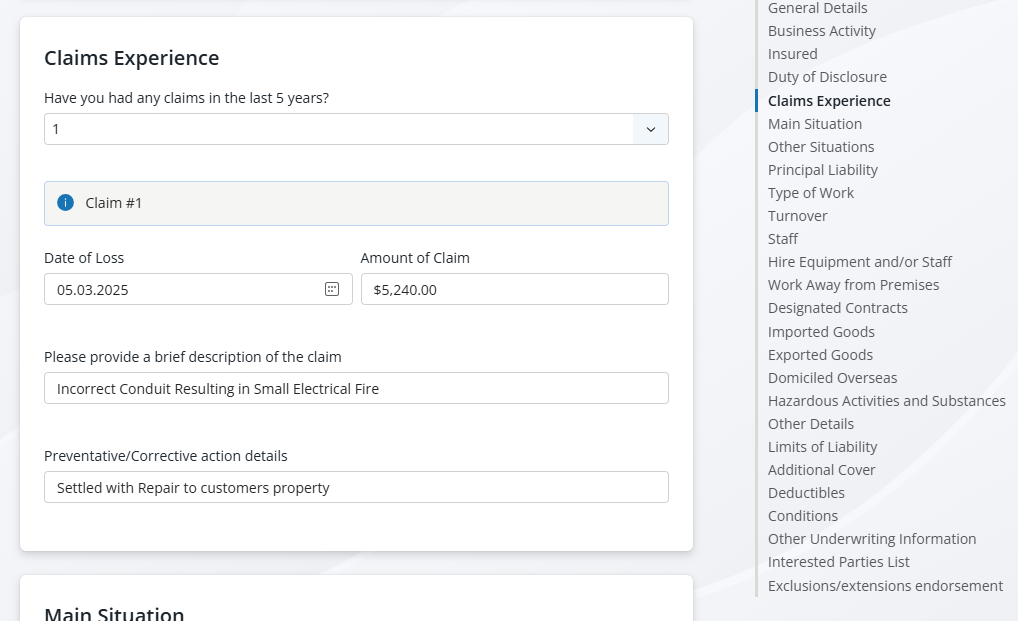
Smart Field: Claims Example
Some fields, like Claims Experience, use dynamic input options to streamline data collection.
Steadfast Apps provides default selections of 0, 1, 2, or 3+ claims.

If 0 is selected, the section will collapse and be marked as not required.
If 3+ is selected, a free text field will appear, allowing users to enter additional claim details.

This smart behaviour helps reduce clutter and ensures only relevant fields are shown based on the client’s Application.
Client Collaboration via Custom URL
Need your client to review or complete missing details before quoting?
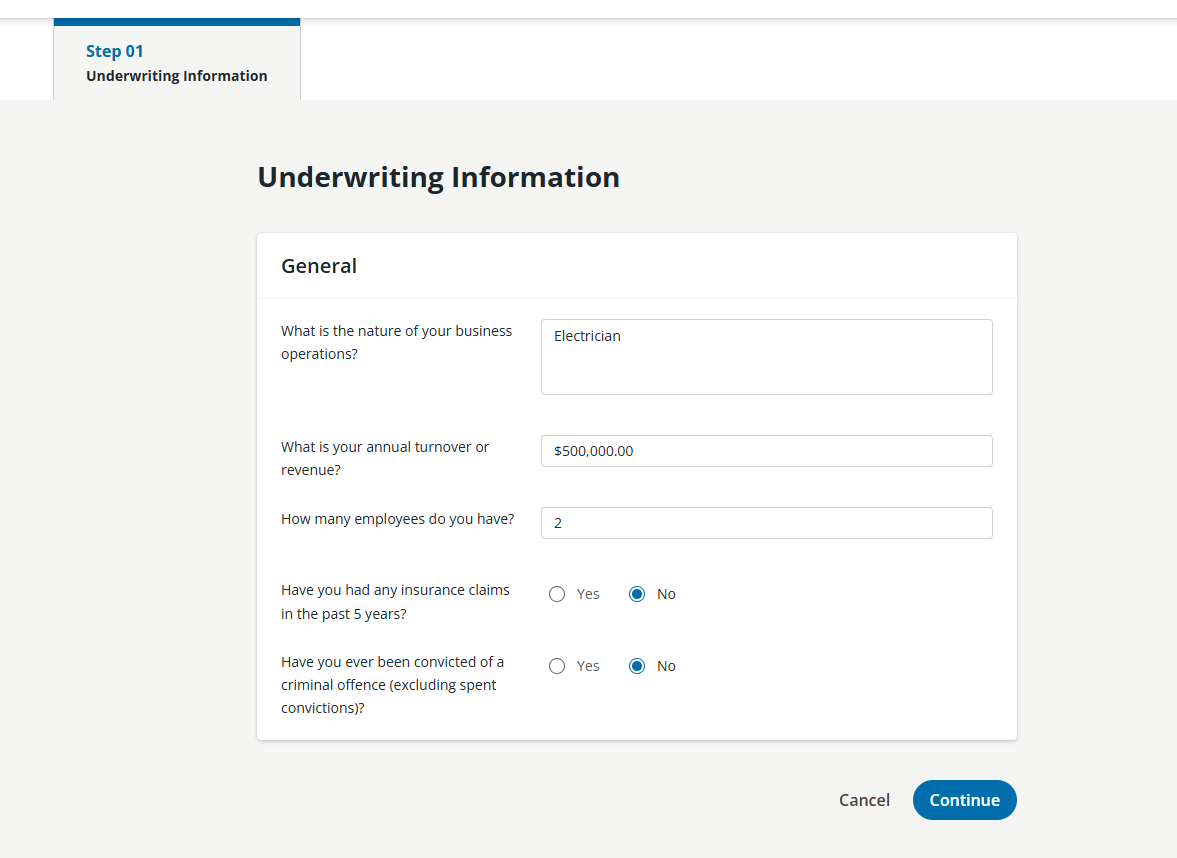
Steadfast Apps lets you generate a unique public link the client can use to review, adjust, or complete their application for submission to the Insurer.
This link can be manually emailed to the client, giving them access to:
- Review existing risk information
- Update or amend missing fields
- Confirm accuracy before quoting
Client wants to make changes after submitting?
Public links expire after 48 hours; this ensure the insured cant accidently update details on the risk once cover is bound.
Something got you stumped?
Our team is here to help! We know change can be tricky, but we've got your back.

Contact our support team here and well get back to you shortly
Was this article helpful?
That’s Great!
Thank you for your feedback
Sorry! We couldn't be helpful
Thank you for your feedback
Feedback sent
We appreciate your effort and will try to fix the article